
Fastest Secure Messaging for Everyone
Overview
Telegram Messenger is a free and fast messaging application designed to connect users across multiple platforms. Built with privacy and speed in mind, it enables secure communication through cloud-based message storage and end-to-end encryption in secret chats. The app supports instant messaging, file sharing, group conversations, and story posting, making it a versatile tool for personal and professional use. It is particularly suited for users who value privacy, cross-device synchronization, and the ability to share large files quickly.
Telegram’s architecture ensures that messages and media are not stored on local devices by default, allowing seamless access across smartphones, tablets, and desktops. This cloud-based distribution model enables real-time sync without relying on local backups. The app is ideal for individuals, remote teams, content creators, and community organizers who need reliable, secure, and fast communication tools. Its open-source nature allows transparency in code, which supports independent verification of its security claims.
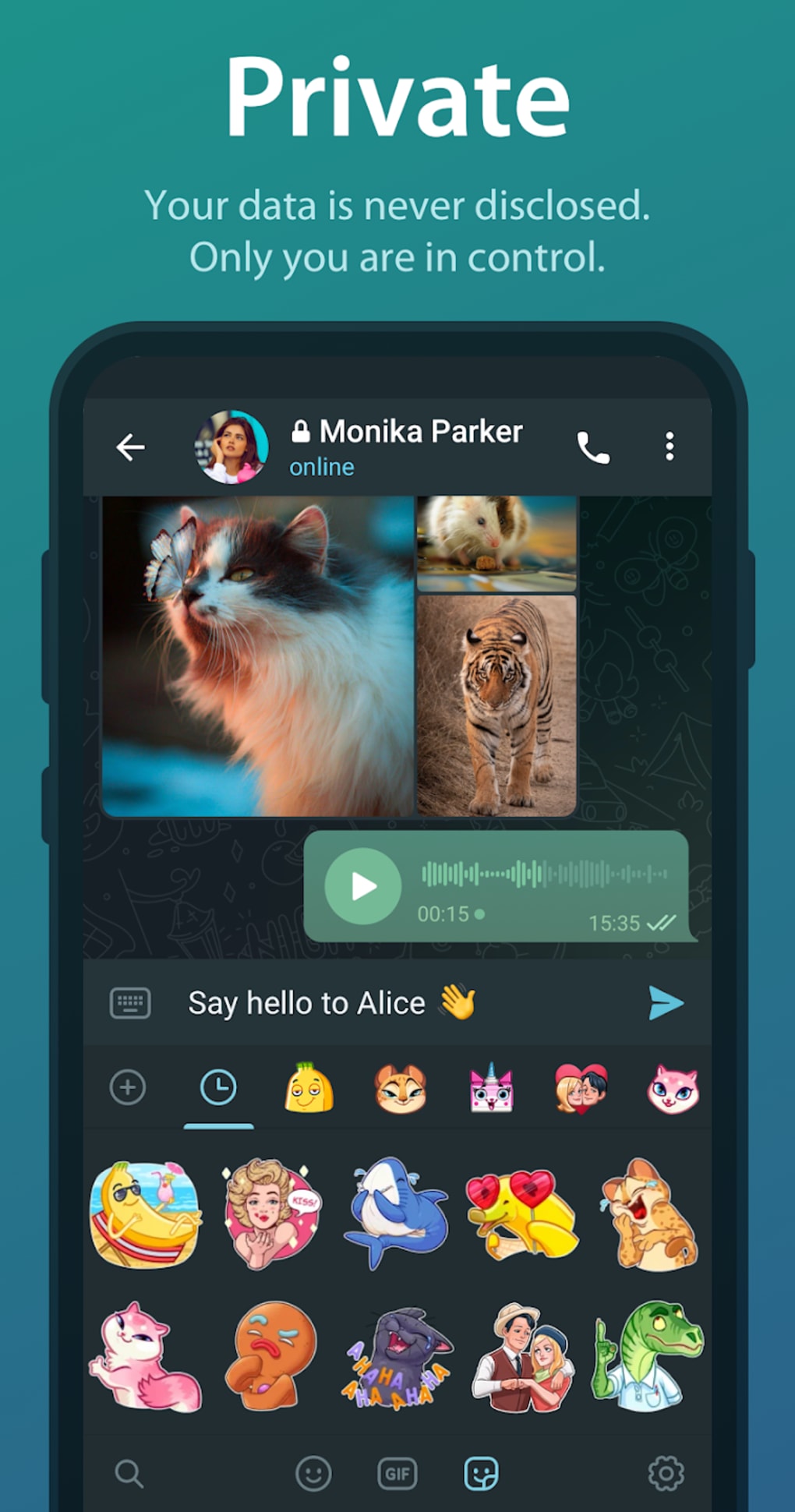
Users can create and share custom sticker packs, send encrypted messages with self-destruct timers, and translate entire conversations in real time—features that enhance both usability and privacy. The app also supports the creation of public and private groups, channels, and custom story audiences. While the developer did not provide additional details on system requirements, the application is available for Windows, Mac, Linux, Android, and iOS platforms.
Key Features & Capabilities
- End-to-End Encrypted Secret Chats – Enable self-destruct timers for messages and media, ensuring that sensitive content disappears after a set period. These chats are not stored on Telegram’s servers and are not accessible across devices.
- Cloud-Based Message Sync – Messages and files are stored securely in the cloud, allowing instant access across all devices without local backups.
- Large File Sharing – Supports sending files up to 2 GB in size, ideal for sharing high-resolution images, documents, and videos.
- Real-Time Translation – Premium users can translate entire chats, groups, and channels into their preferred language in real time.
- Custom Sticker Packs – Users can create, upload, and share personalized sticker packs, with support for animated and static designs.
- Story Posting with Custom Audiences – Share photos and videos as stories with customizable durations (6, 12, 24, or 48 hours) and audience lists for enhanced privacy control.
- Profile Photo Maker – Generate profile pictures using stickers or animated emojis, even without a premium subscription.
- Data Usage Monitoring – View detailed breakdowns of Wi-Fi and mobile data consumption with interactive pie charts, and adjust auto-download settings accordingly.
These features support a wide range of real-world use cases, from private conversations between friends to team coordination in remote work environments. The ability to unsend messages within 48 hours adds an extra layer of control over shared content. The app’s open-source model encourages community contributions and transparency, reinforcing its credibility in secure communication.
User Interface, Workflow & Performance
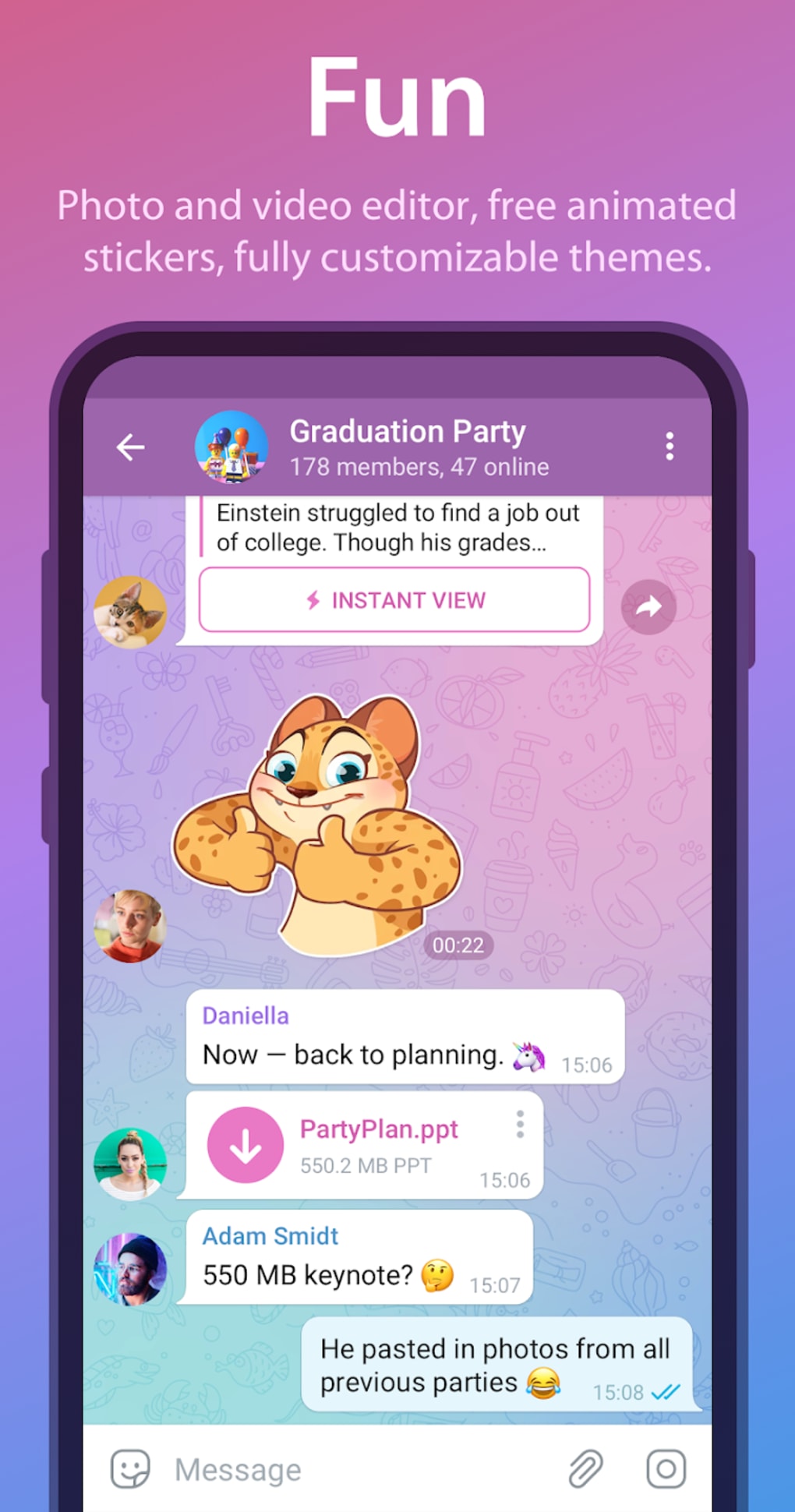
The user interface of Telegram Messenger is clean, intuitive, and optimized for quick navigation. The main layout features a sidebar with chat lists, groups, channels, and settings, while the central pane displays conversation threads. Tabs for messages, media, and stories are accessible with minimal clicks, contributing to efficient workflow execution.
Navigation is consistent across platforms, ensuring a familiar experience whether using desktop or mobile. The app’s performance is generally responsive, with fast loading times for messages and media. However, exact performance details were not specified by the developer. Resource usage behavior, such as CPU and RAM consumption, remains undocumented.
Stability appears to be strong, with no reported issues related to crashes or data loss in standard usage. The app maintains smooth operation during prolonged sessions and large file transfers. Users can expect consistent behavior during high-traffic periods, though specific benchmarks were not provided. The developer did not specify resource usage details, so performance may vary based on device capabilities and network conditions.
Compatibility & System Requirements
Telegram Messenger is available for Windows, Mac, Linux, Android, and iOS operating systems. The current version is 9.7.0, with an installation size of 145 MB. This makes it a lightweight application suitable for most modern desktop and mobile devices.
Platform compatibility information is limited to the listed operating systems. Exact system requirements, including minimum RAM, processor speed, or disk space, were not provided by the developer. Compatibility with older or less common hardware configurations remains unverified. Users are advised to ensure their system meets general requirements for running desktop applications, especially when handling large files or multiple simultaneous connections.
Pros and Cons
Pros
- Free to use with no ads or in-app purchases
- End-to-end encryption in secret chats for maximum privacy
- Fast cross-platform synchronization across devices
- Supports large file transfers up to 2 GB
- Real-time translation for entire conversations (premium)
- Custom sticker packs and animated emojis available to all users
- Story posting with flexible audience control and duration settings
- Open-source platform for transparency and community trust
Cons
- Secret chats are not backed up, limiting recovery options
- Self-destruct messages cannot be recovered once expired
- Advanced features like real-time translation require a premium subscription
- No official support for older or legacy operating systems
- Custom story audiences may require additional setup for optimal use
FAQ Section
Is Telegram Messenger available for Windows and Mac?
Yes, Telegram Messenger is available for both Windows and Mac operating systems, as well as Linux, Android, and iOS.
Is Telegram safe to use?
Telegram uses end-to-end encryption for secret chats and encrypts messages in the cloud. The app does not track messages or calls, and user contact information is kept confidential.
Does Telegram offer free updates?
Yes, Telegram Messenger provides free updates to all users, ensuring access to the latest features and security improvements.
What license type does Telegram use?
Telegram Messenger is open-source software, allowing users to inspect, modify, and distribute the code under its open-source license.
Can I use Telegram without an internet connection?
While Telegram requires an internet connection to send and receive messages, previously downloaded content can be viewed offline. However, real-time features like chat sync and file transfers require an active connection.
Final Thoughts
Telegram Messenger stands out as a fast, secure, and feature-rich communication platform suitable for users seeking privacy, flexibility, and cross-device accessibility. Its combination of end-to-end encryption, cloud-based sync, and support for large file transfers makes it a strong alternative to mainstream messaging apps. The inclusion of real-time translation, custom sticker creation, and customizable story sharing enhances both functionality and user engagement.
While some advanced features are restricted to premium users, the core messaging experience remains fully functional and free. The app’s open-source foundation adds credibility, and its consistent performance across platforms reinforces its reliability. For individuals, teams, and communities who prioritize secure and efficient communication, Telegram offers a compelling solution.
Download Telegram Messenger now







